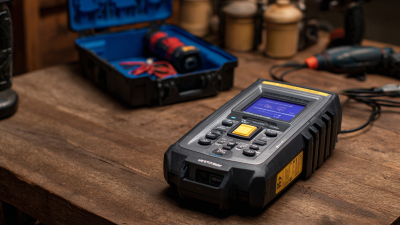
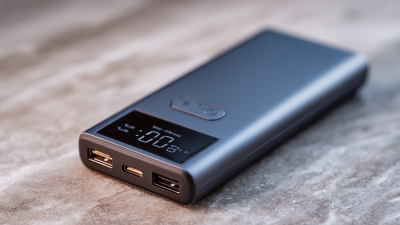
In today's world, where we're all pretty much glued to our gadgets, the performance of our devices really depends a lot on how healthy their batteries are. Honestly, a lot of folks tend to overlook this—until their gadgets start acting up or just suddenly turn off. If you want some peace of mind, there's this Battery Status Checker that gives you a pretty clear picture of your battery’s condition. It’s super handy for making smarter decisions about how you use your device.
Getting the hang of how to use a Battery Status Checker is pretty important if you want your device to stay in tip-top shape. This tool shows stuff like how many charge cycles your battery has gone through, how healthy it is in percentage, and even its temperature. When you dig into these details, you can spot potential problems early on—before they turn into bigger headaches.
But here’s the thing—simply checking the battery isn’t enough. A lot of people might look at the numbers and not really get what they mean. That can lead to unnecessary frustration, especially if you misunderstand what’s happening. The key is to actually learn what those readings are telling you and be willing to act on that info. Using this tool the right way isn’t just about checking numbers; it’s about knowing what to do next to keep your device running smoothly.
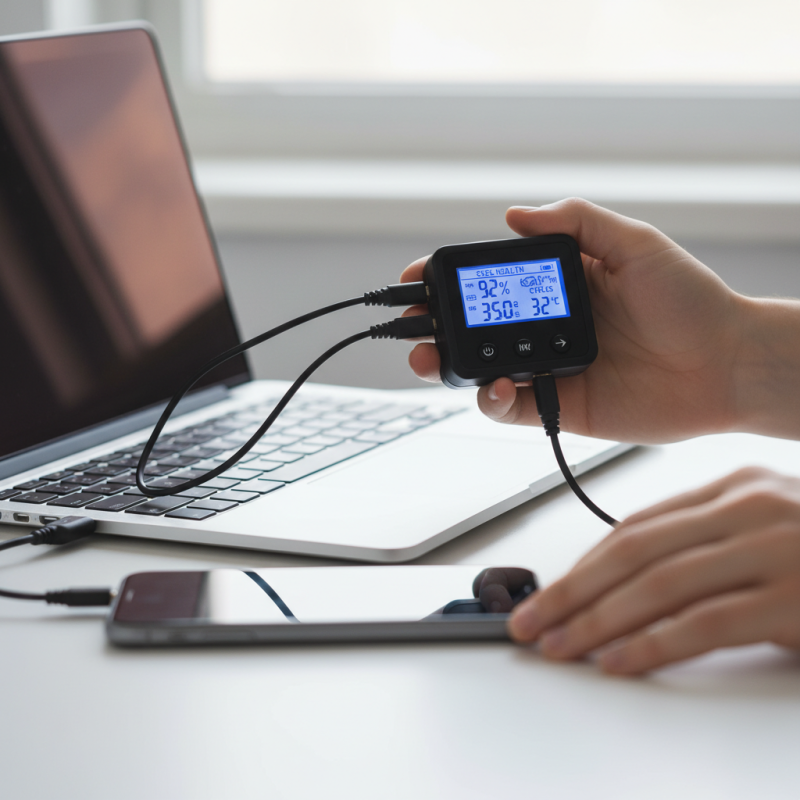
Understanding Battery Status Checkers and Their Importance
Battery status checkers play a crucial role in monitoring the health of your device's power source. These tools assess the capacity and efficiency of batteries. They help users understand when it’s time for a replacement. Regular checks can prevent unexpected shutdowns. An unexpected failure often disrupts daily tasks. Knowing the battery’s condition can enhance your device’s longevity.
Understanding how these checkers work improves user experience. They provide insights into charging cycles and overall battery life. Many people overlook these details, leading to premature battery degradation. Regularly using a Lithium Battery Checker can identify issues early. This proactive approach can save money and time.
It's essential to approach battery maintenance with realistic expectations. No device can run optimally forever. Users need to reflect on their habits and usage patterns. Some might rely heavily on their devices, accelerating wear and tear. Adopting a routine to check battery status could lead to better performance and fewer frustrations. A simple check can reveal surprising insights.
Battery Health Status Over Time
This bar chart represents the battery health percentage recorded over the first seven months of the year. As observed, the battery health shows a gradual decline, indicating the importance of regular battery status checks for optimal performance.
Types of Battery Status Checkers Available on the Market
Battery status checkers come in various types, each designed to fulfill specific needs. The most common type is the Lead Acid Battery Checker, known for its accuracy in measuring the health of lead-acid batteries. Reports indicate that approximately 30% of battery failures are due to improper maintenance, emphasizing the need for reliable tools. This checker can identify voltage levels, internal resistance, and overall battery capacity, helping users monitor battery health effectively.
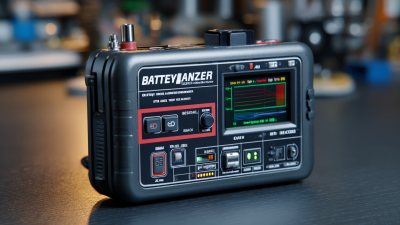
Another popular option is the Digital Battery Tester. These testers deliver precise readings and are often more user-friendly. They provide instant results and can sometimes interface with apps for remote monitoring. Some models include advanced features like temperature compensation. However, while they offer convenience, their accuracy might decline over time. Regular calibration checks are crucial to maintain reliability.
Moreover, there's also the analog battery tester, which, while outdated, still has its place. It doesn't require batteries or power sources, making it a reliable backup option. These testers rely on simple mechanisms to give a visual display of battery condition. However, they often lack the precision of digital models. Understanding these different types can help in selecting the right battery status checker for optimal performance.
How to Choose the Right Battery Status Checker for Your Device
When selecting a battery status checker, consider your device’s requirements. Different devices have unique battery types and voltages. Make sure the checker can handle these specifications. Look for a device compatibility feature in the product description. This ensures that you avoid purchasing a checker that doesn’t suit your needs.
Reviews and user feedback provide insight into the checker's effectiveness. Look for comments about accuracy and ease of use. Users often share their experiences regarding setup and reliability. A checker that regularly fails to deliver results can lead to frustration. Seek out options with high ratings and better feedback.
Durability also matters. Some checkers are built to last longer than others. Invest in a model that is known for its robust construction. It may cost more, but it can save you money in the long run. Lastly, keep in mind that a checker should not be overly complicated. It should provide clear readings without unnecessary jargon.
Step-by-Step Guide to Using a Battery Status Checker
Using a battery status checker can enhance the performance of your vehicle significantly. Many drivers overlook battery health, leading to unexpected failures. According to recent studies, nearly 25% of breakdowns are battery-related. A reliable Vehicle Battery Checker can help prevent this.
Start by selecting a quality battery checker. Look for units that can measure voltage, cold cranking amps, and resistance. A capable tool provides insight into battery health.
Once you have your checker, turn off your vehicle. Connect the red clip to the positive terminal and the black clip to the negative terminal. The process is straightforward and takes only minutes.
After connecting, check the readings. A healthy battery typically shows between 12.4 and 12.7 volts. If your reading is below this range, consider recharging or replacing your battery soon. Remember, indicators may vary by vehicle. Regular checks can help optimize performance and extend battery life. Use your vehicle battery checker at least twice a year to ensure reliability.
Ignoring battery health can lead to inconvenient issues, like the frustration of a dead battery. Embrace this preventive measure for better vehicle performance.
Interpreting Battery Health Readings and Indicators
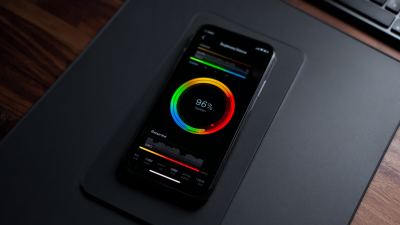
Understanding battery health is crucial for maintaining optimal device performance. A battery status checker provides various readings that can indicate its current condition. Research shows that around 30% of mobile devices suffer from degraded battery health within two years of use. A reliable checker reveals vital indicators, such as capacity percentage and cycle count.
Capacity percentage reflects how much charge a battery can hold compared to its original design. Typically, a battery is considered healthy if it retains at least 80% of its capacity after 500 charge cycles. A cycle count registers a full discharge and recharge. When the cycle count exceeds recommended limits, battery performance may noticeably decline. Observing these metrics can help users make informed adjustments to usage patterns and charging habits.
Another indicator is the battery's voltage. Abnormal voltage readings can signify potential issues, like rapid battery depletion or overheating. While technology advances continually, many users overlook the significance of these readings. Being aware of battery health can prevent abrupt performance drops and extend the life of your device.
Tips for Maintaining Optimal Battery Performance
To maintain optimal battery performance, regular monitoring is key. A battery status checker helps identify issues before they escalate. Knowing your battery's health can prolong its lifespan significantly.
It's essential to avoid extreme temperatures. High heat or cold can damage your battery. Keep your device in a temperature-controlled environment. This simple tip helps maintain efficiency. Additionally, regularly calibrate your battery. Discharging it fully before recharging can optimize its performance.
Another effective strategy is to limit the use of battery-intensive applications. These apps drain power quickly, causing your device to underperform. Periodically review your app usage and disable unnecessary background activities. Pay attention to notifications. Reducing them can save power, allowing your battery to last longer.
Common Issues and Solutions When Using Battery Status Checkers
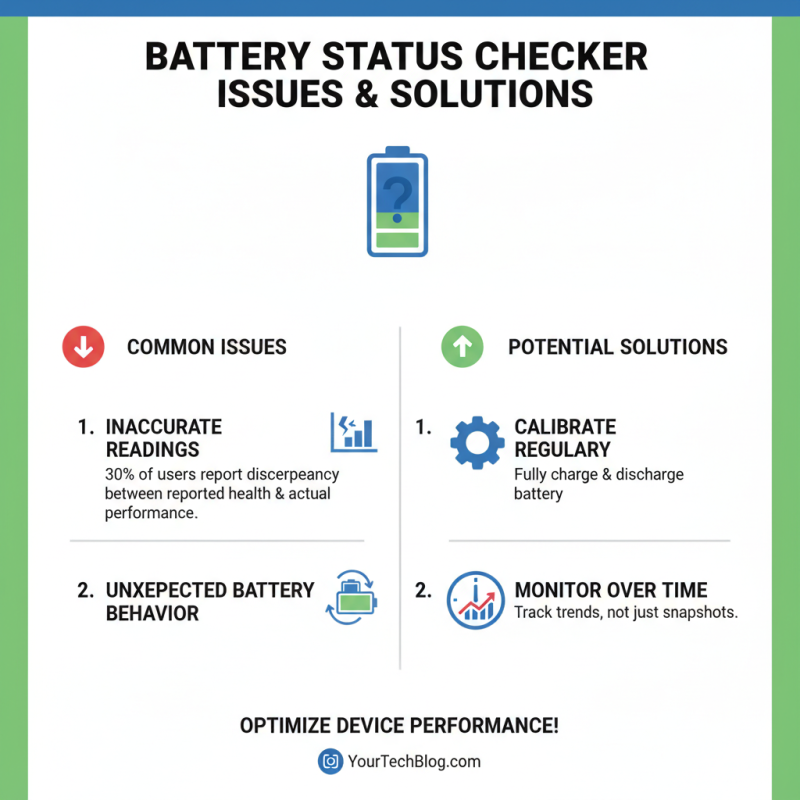
Battery status checkers are vital tools for maintaining optimal device performance. However, users commonly face various issues while utilizing these tools. A frequent problem is the discrepancy between the reported battery health and actual performance. Reports indicate that nearly 30% of users experience unexpected behavior from their batteries despite favorable readings from their checkers.
One main culprit is software calibration. If a device's software misinterprets data, the battery status checker can provide inaccurate assessments. Regular updates to the device's software can often resolve these calibration issues. Users should check for updates frequently to ensure compatibility. Another concern is the age of the battery itself; batteries lose efficiency over time. A common tip is to replace batteries older than two years to maintain peak performance.
**Tips:** Always use a reliable battery checker, such as the Battery Checker Aa. Ensure the device's operating system is current. Be cautious if you notice significant performance drops even with a good status report. Sometimes, a battery may appear fine but underperform, reflecting an underlying issue needing further investigation. Regular testing can prevent these surprises, keeping your devices running smoothly.
FAQS
: Battery status checkers monitor battery health, capacity, and efficiency of devices. They help identify when replacements are needed.
Regular checks prevent unexpected shutdowns. They can reveal battery issues early, contributing to longevity and better performance.
Many users overlook details about charging cycles. This can lead to premature battery degradation, causing unexpected failures.
Heavy reliance on devices can accelerate battery wear. Users should reflect on their habits to improve battery lifespan.
Common types include digital testers, analog testers, and specific battery checkers for different types. Each serves unique needs.
Discrepancies between reported health and actual performance are common. Software calibration errors can lead to inaccurate assessments.
Regular software updates may resolve calibration issues. Users should check for updates frequently to maintain compatibility.
It's advisable to replace batteries older than two years. This helps maintain optimal performance and prevent unexpected failures.
Yes, analog testers don’t need power sources. They serve as reliable backups but might not be as precise as digital ones.
Significant performance drops despite good status reports indicate underlying problems. Regular testing helps avoid such surprises.
Conclusion
A Battery Status Checker is an essential tool for understanding the health and performance of your device's battery. By recognizing the various types of battery status checkers available, users can select the most suitable one for their specific devices. The process of using a battery status checker involves following a step-by-step guide, which helps in accurately interpreting the health readings and indicators provided.
Moreover, maintaining optimal battery performance requires regular checks and adherence to best practices. Users should be aware of common issues that might arise when using battery status checkers and know how to troubleshoot these problems effectively. By utilizing a battery status checker properly, individuals can enhance their device's longevity and ensure reliable performance over time.

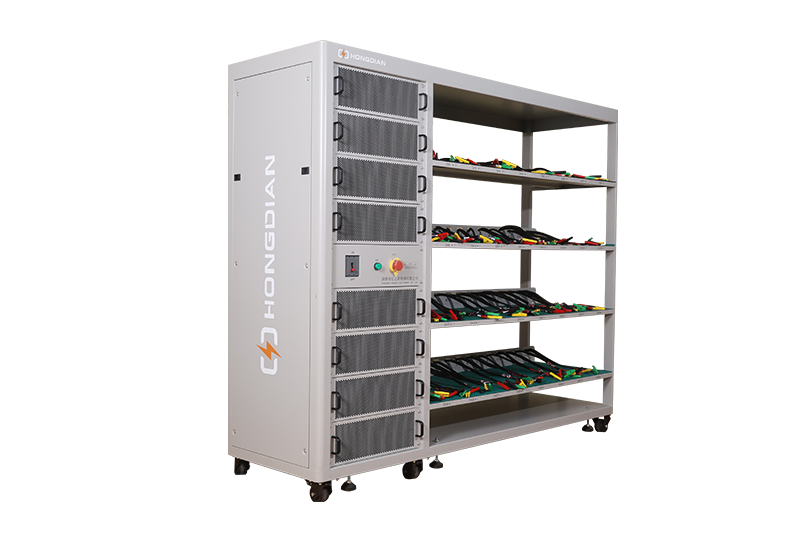 32/48 channel battery charging and discharging test integrated battery cabinet
 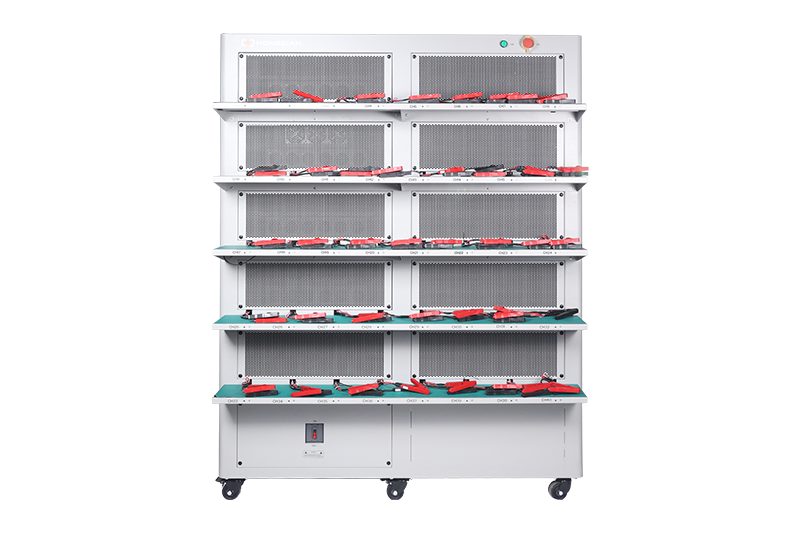 40 channel battery charging and discharging test integrated battery cabinet
  64 channel battery charging and discharging test integrated battery cabinet
 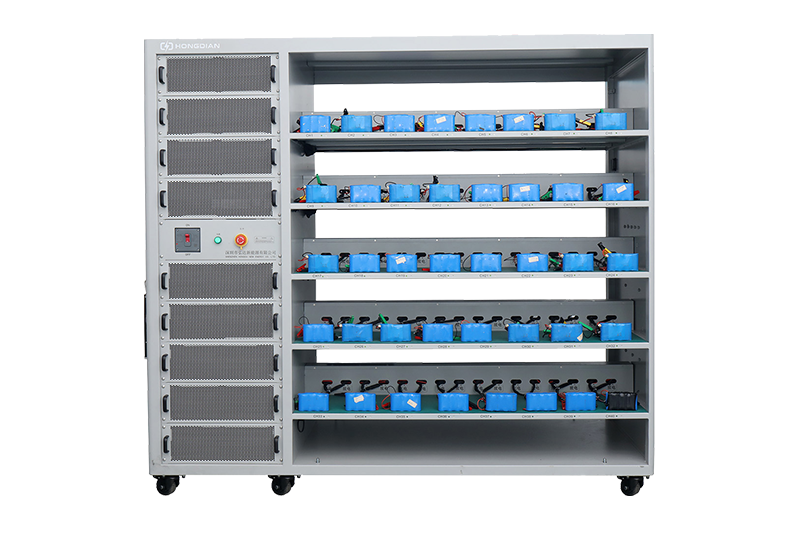 80 channel battery charging and discharging test integrated battery cabinet
 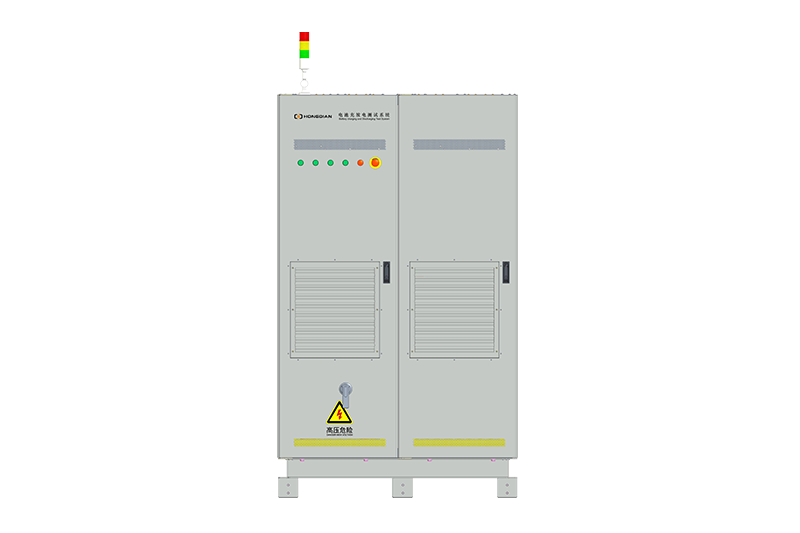 1000V-1500V High Voltage High Current Battery Testing System
 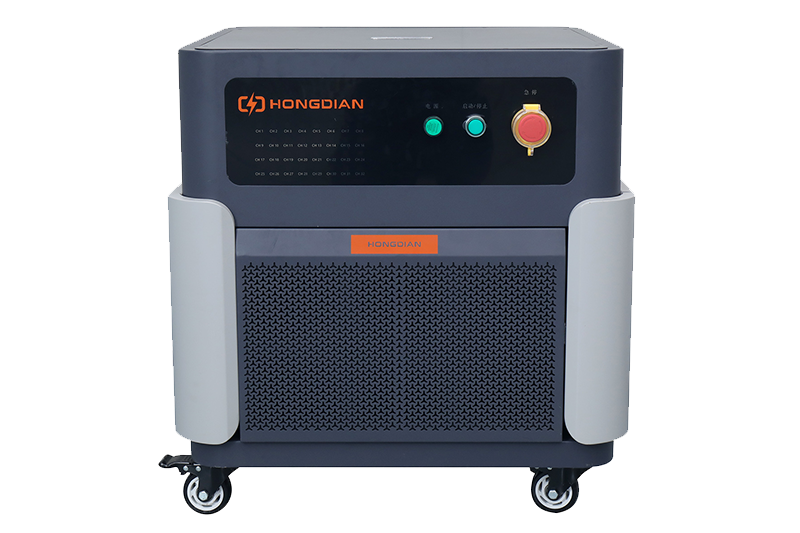 High-Precision Battery Testing System for Enhanced Performance Monitoring 30V/60V/100V/120V
 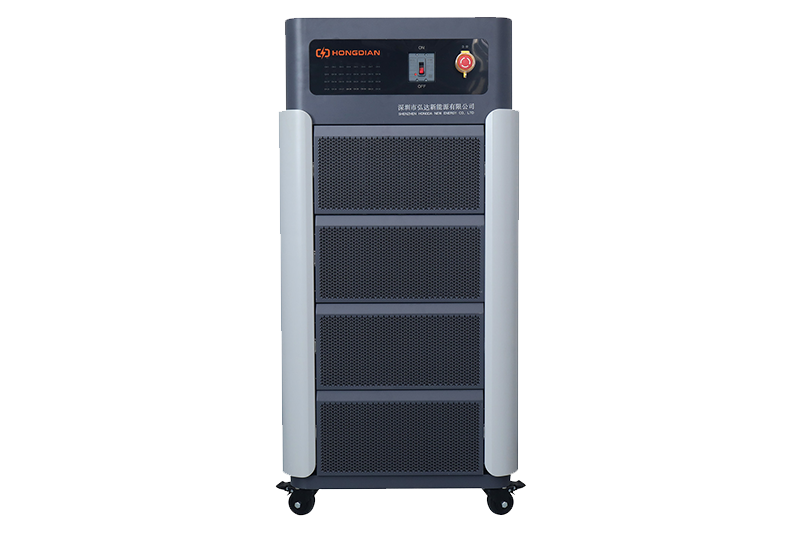 High-Precision Battery Charge Discharge Test Systems for EV Manufacturers
 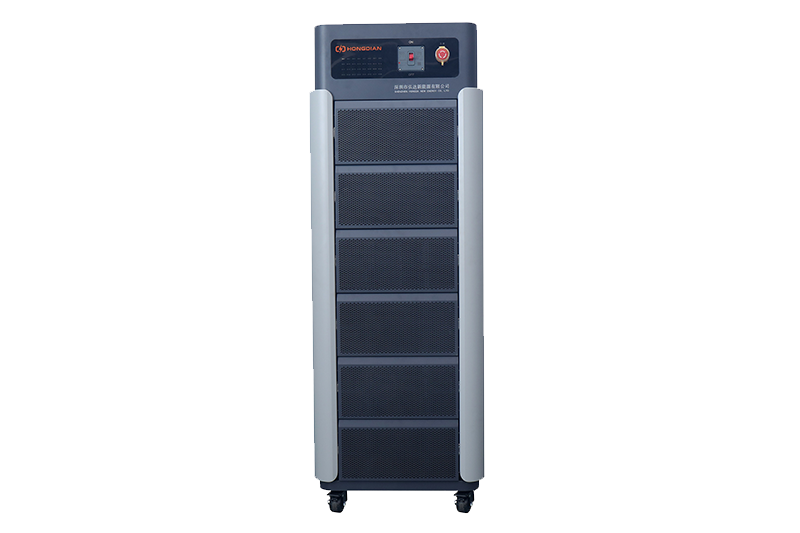 Precision Battery Test Racks for Cell Capacity & Internal Resistance Measurement
 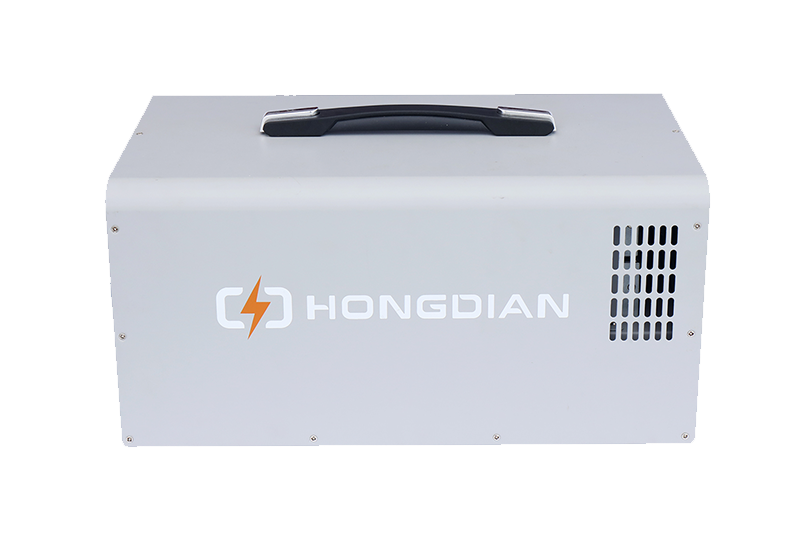 Multi-Channel Battery Testing Equipment for Parallel Performance Analysis